 Nextora
 Claudeyour key
 OpenAIyour key










Free trial
€0for 14 days
No card · ready in about 20 seconds
- Foundation + Sales (CRM & inbox) + Automation + Analytics
- 2 users
- 2,000 AI credits
- 1 GB storage
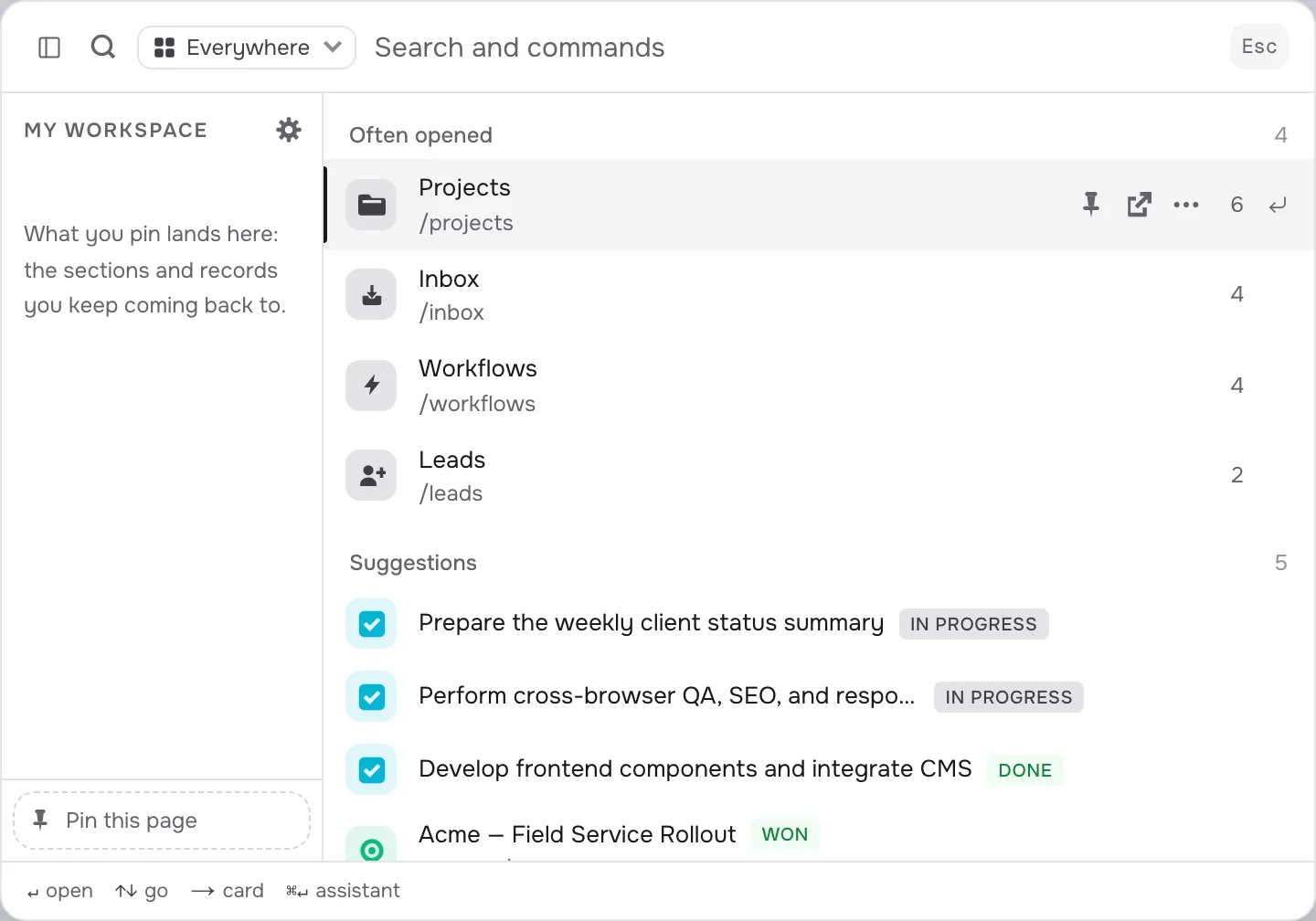
CRM, ERP, projects, marketing, support and analytics: one workspace on a shared core, with AI built into every part of it. Open the tool you need; the context is already there.
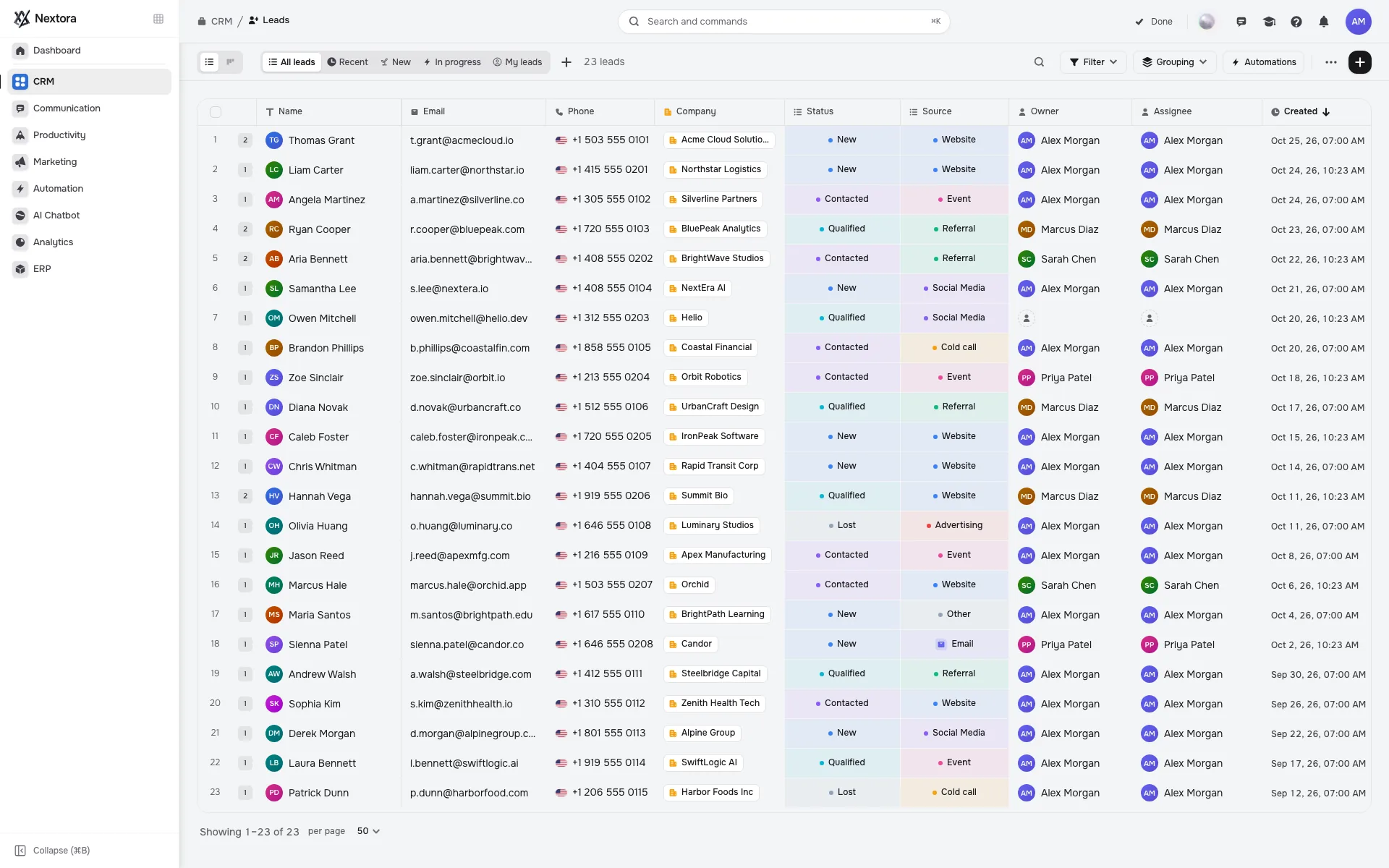
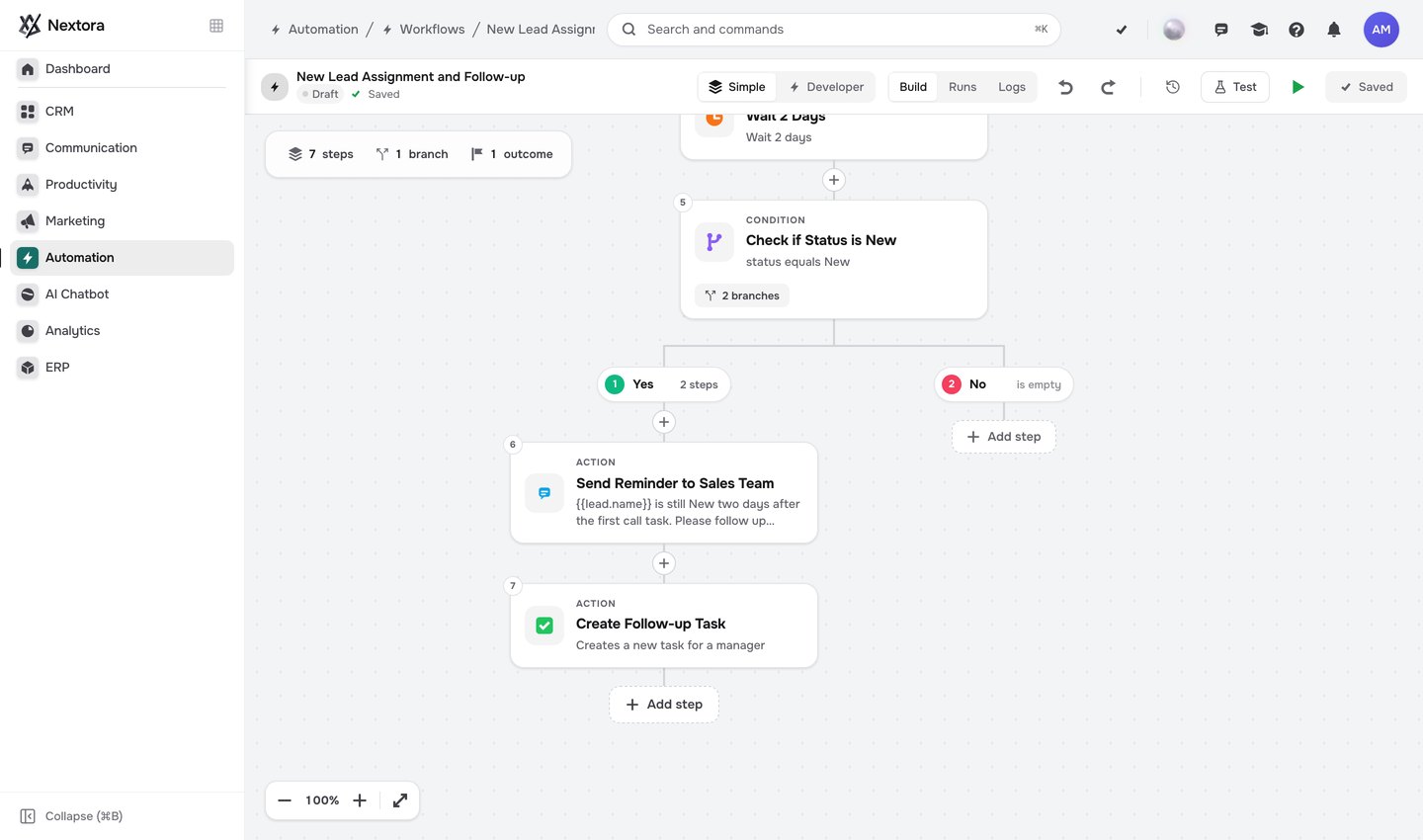
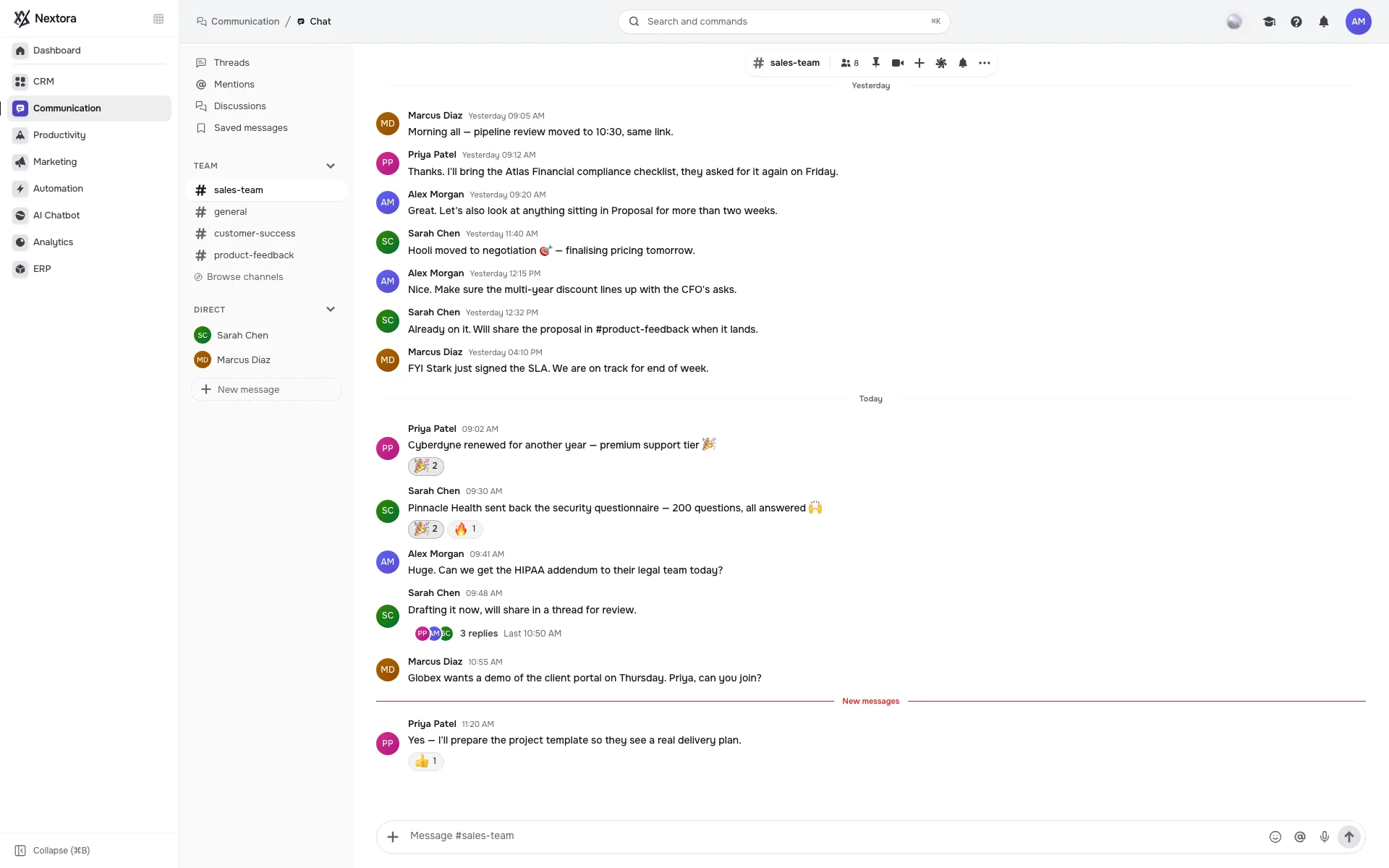
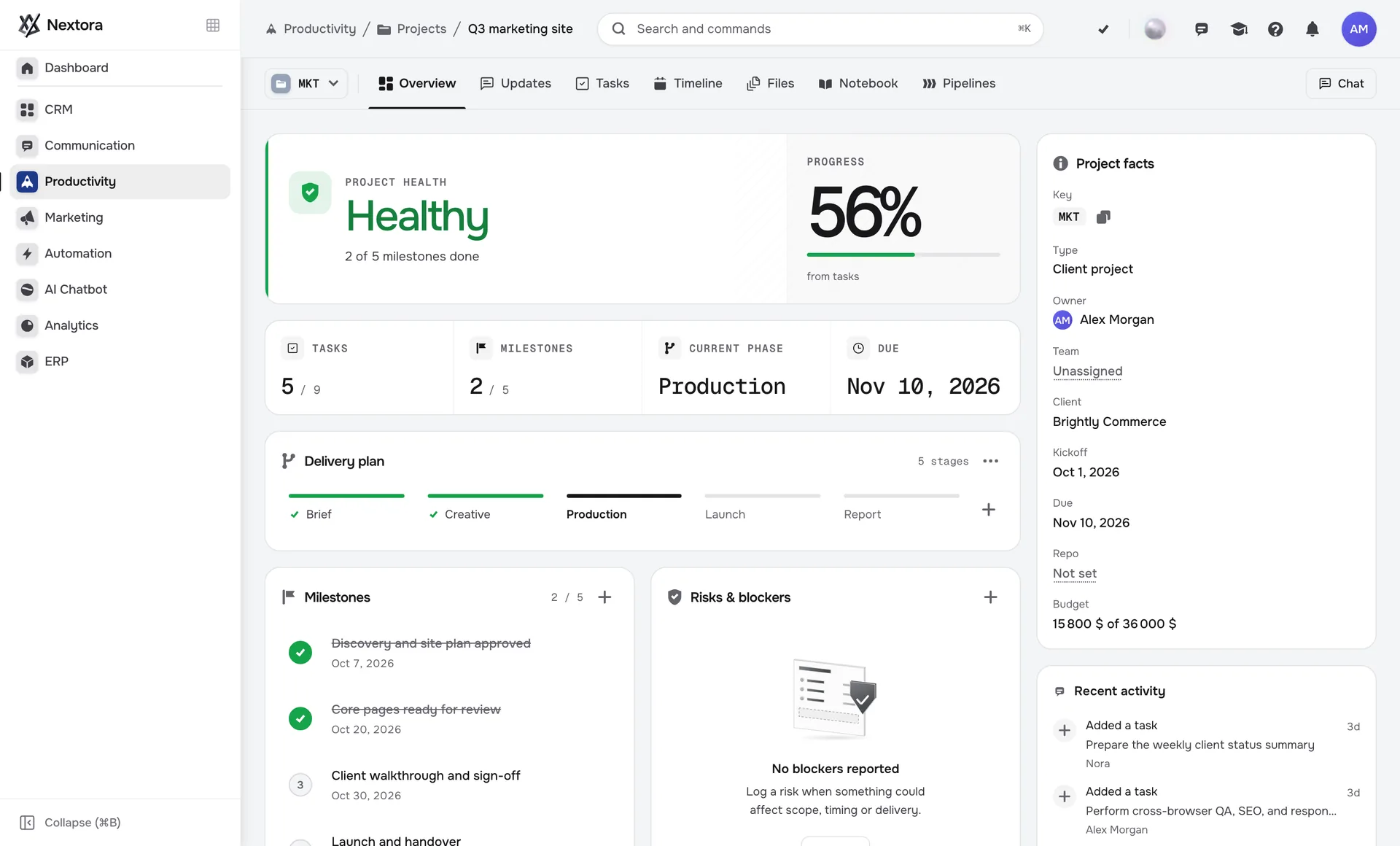
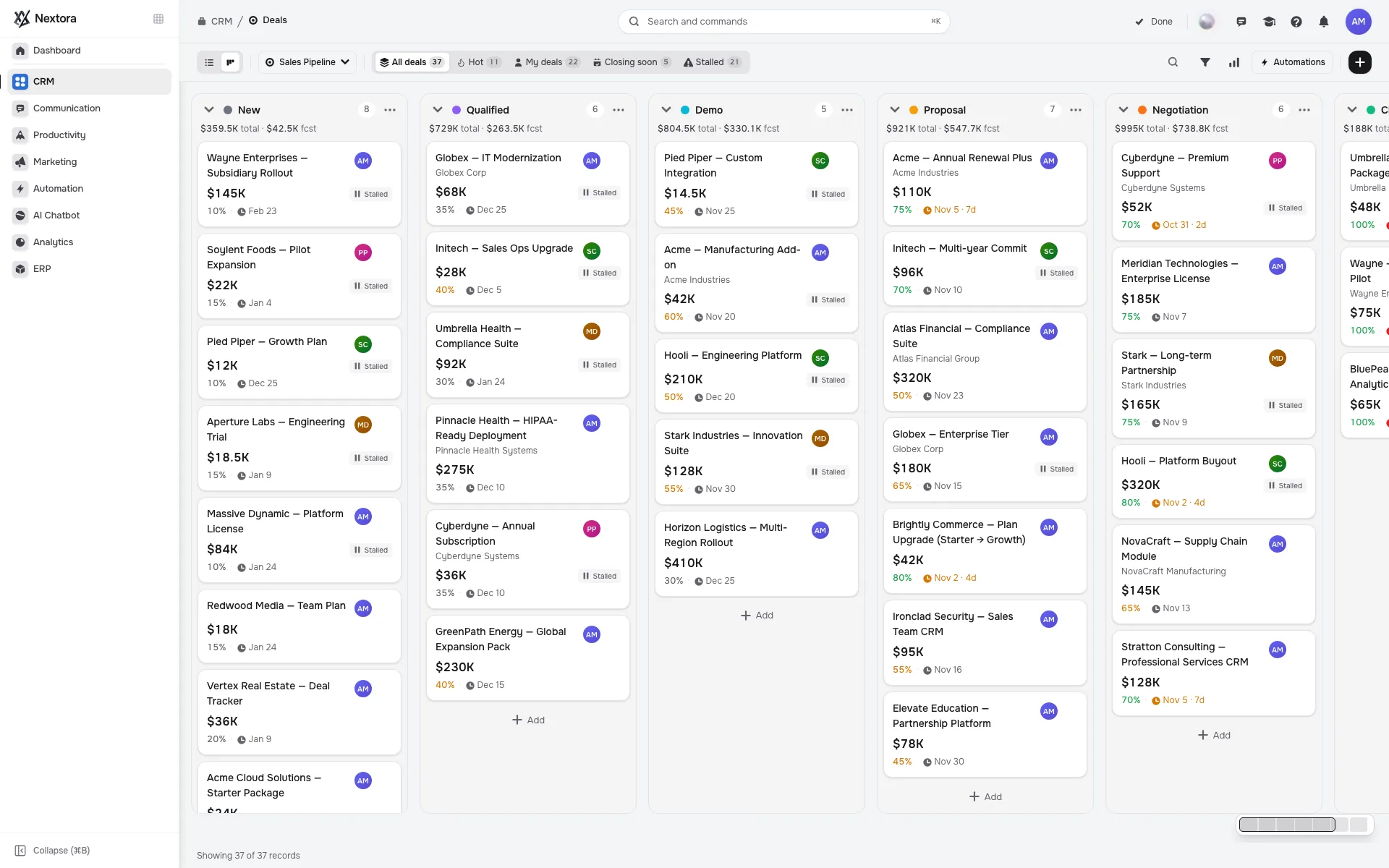
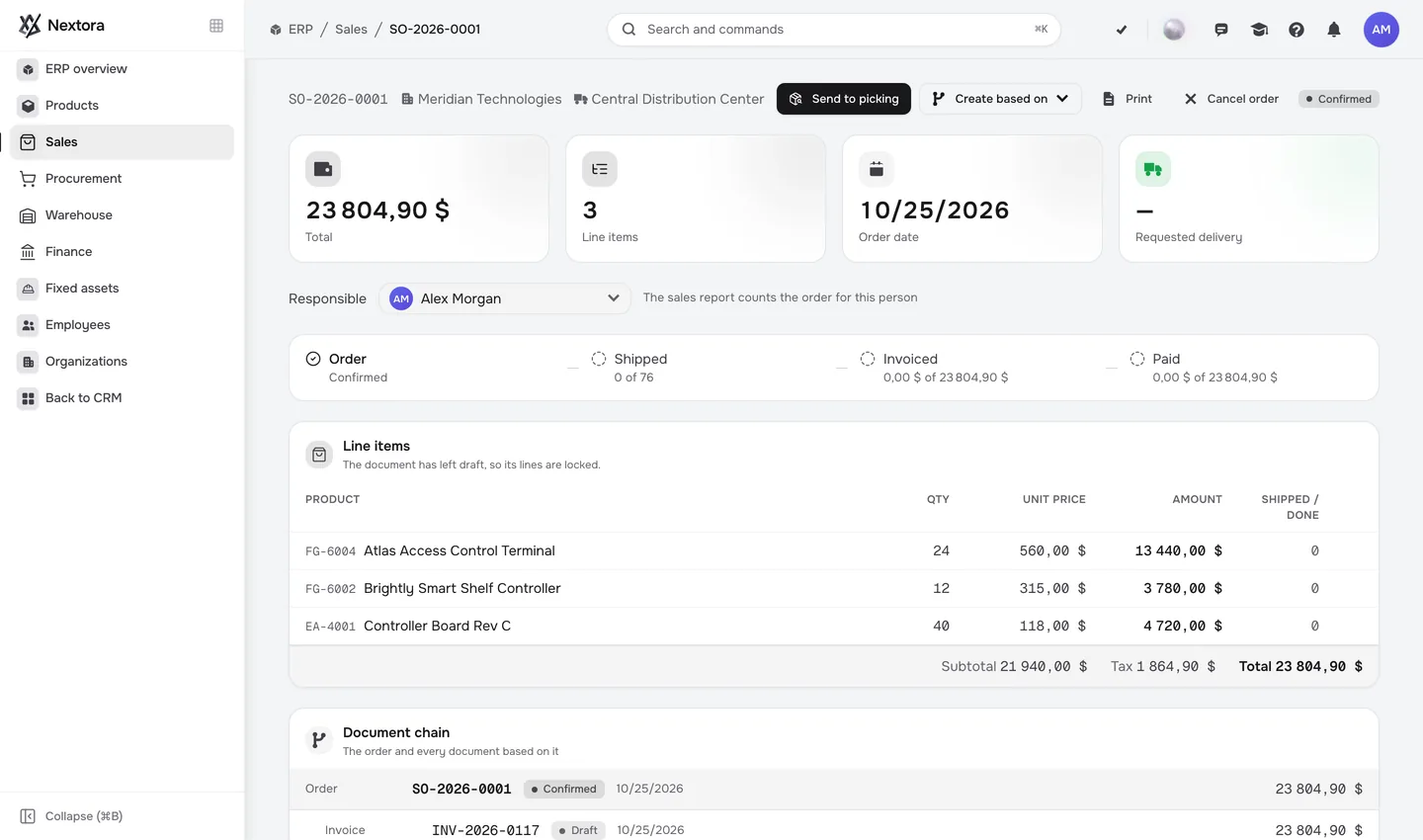
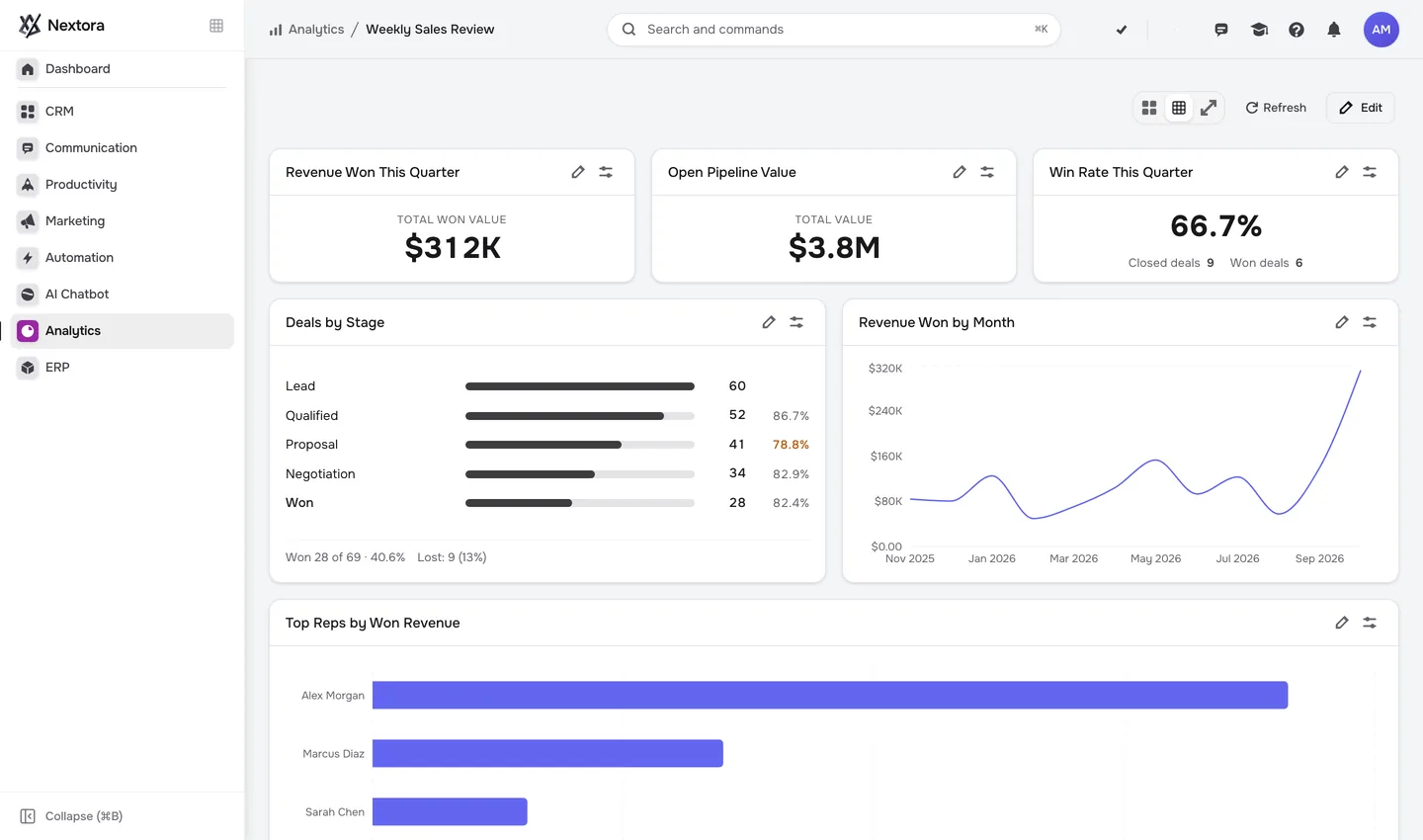
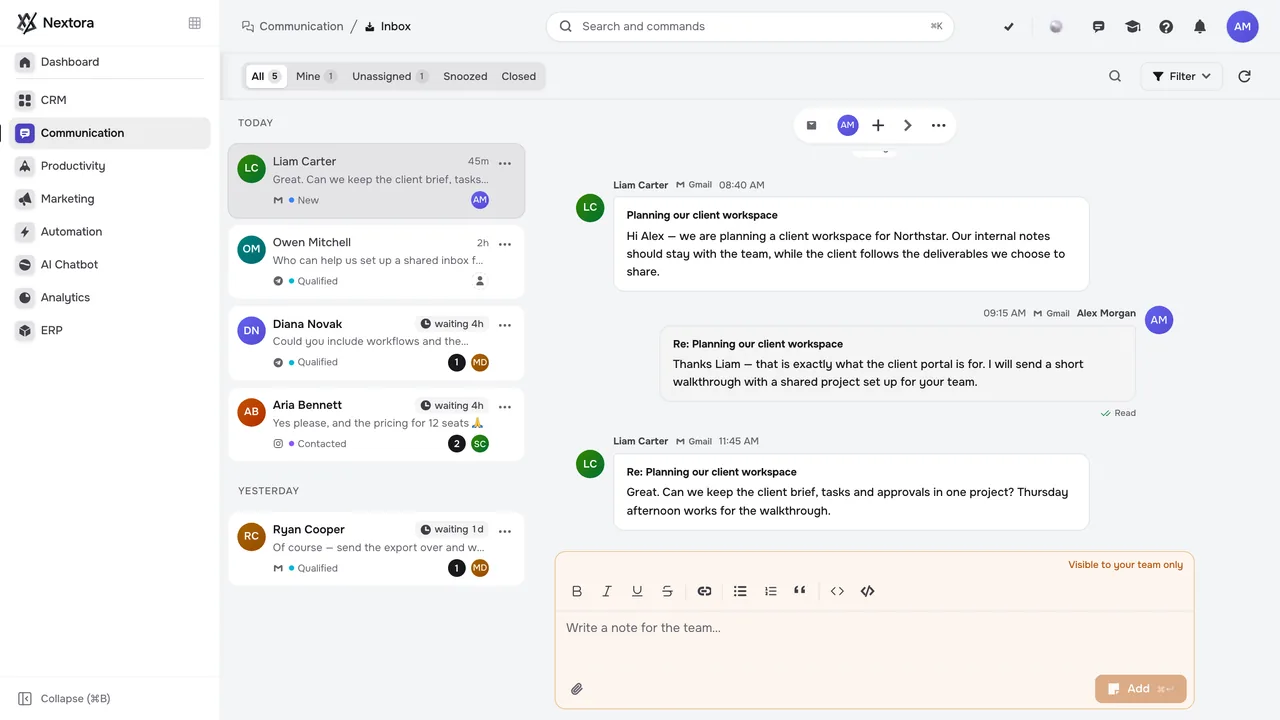
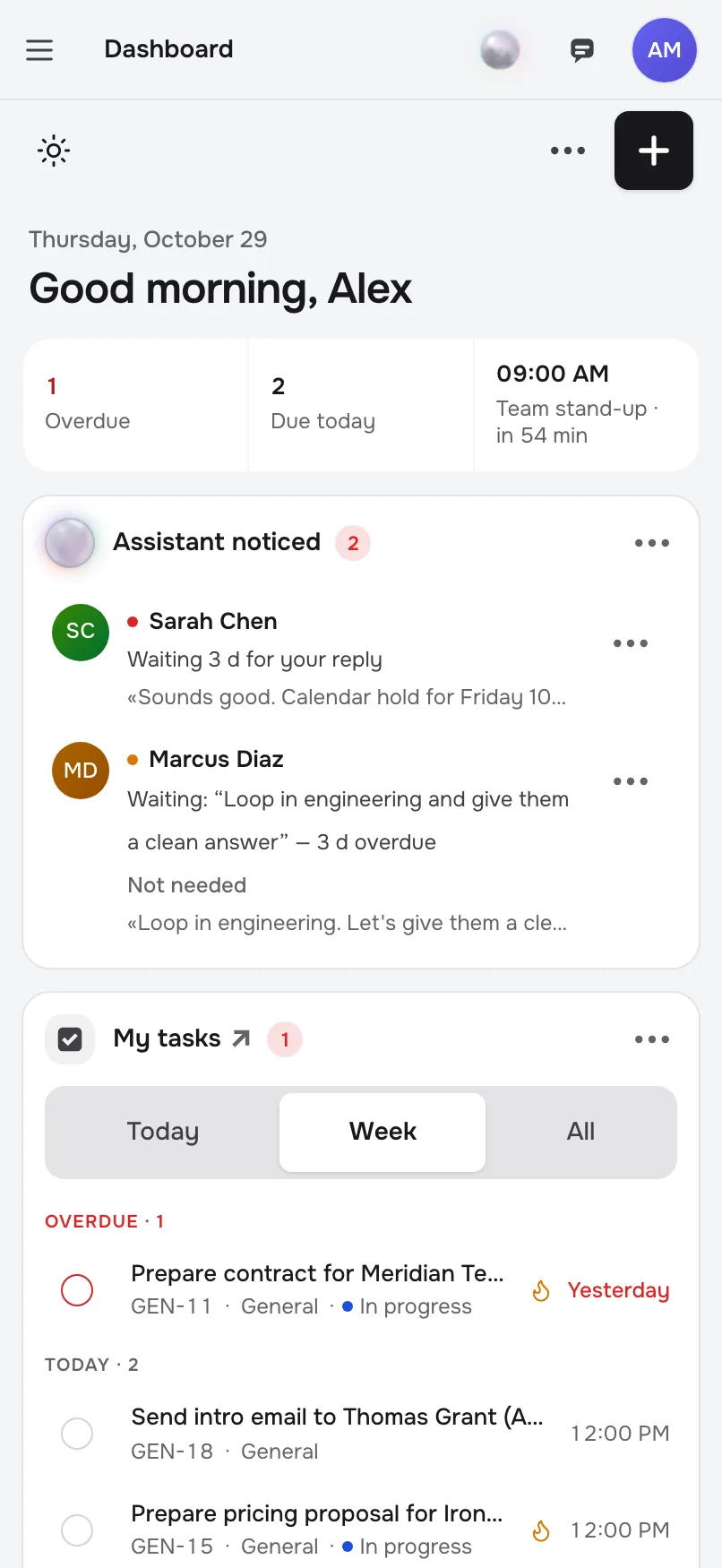
CRM, projects, ERP, chats and analytics: one tool instead of a stack of apps.Deals, tasks, orders and reports share the same records. Nothing re-entered, nothing lost.AI works across every hub: it builds workflows, fills records, answers from your data.
L. Meyer at Northwind asks for a demo. Sales will quote it, support owns the SSO answer, delivery plans the March launch, finance bills the EU entity. Five teams, the same deal.
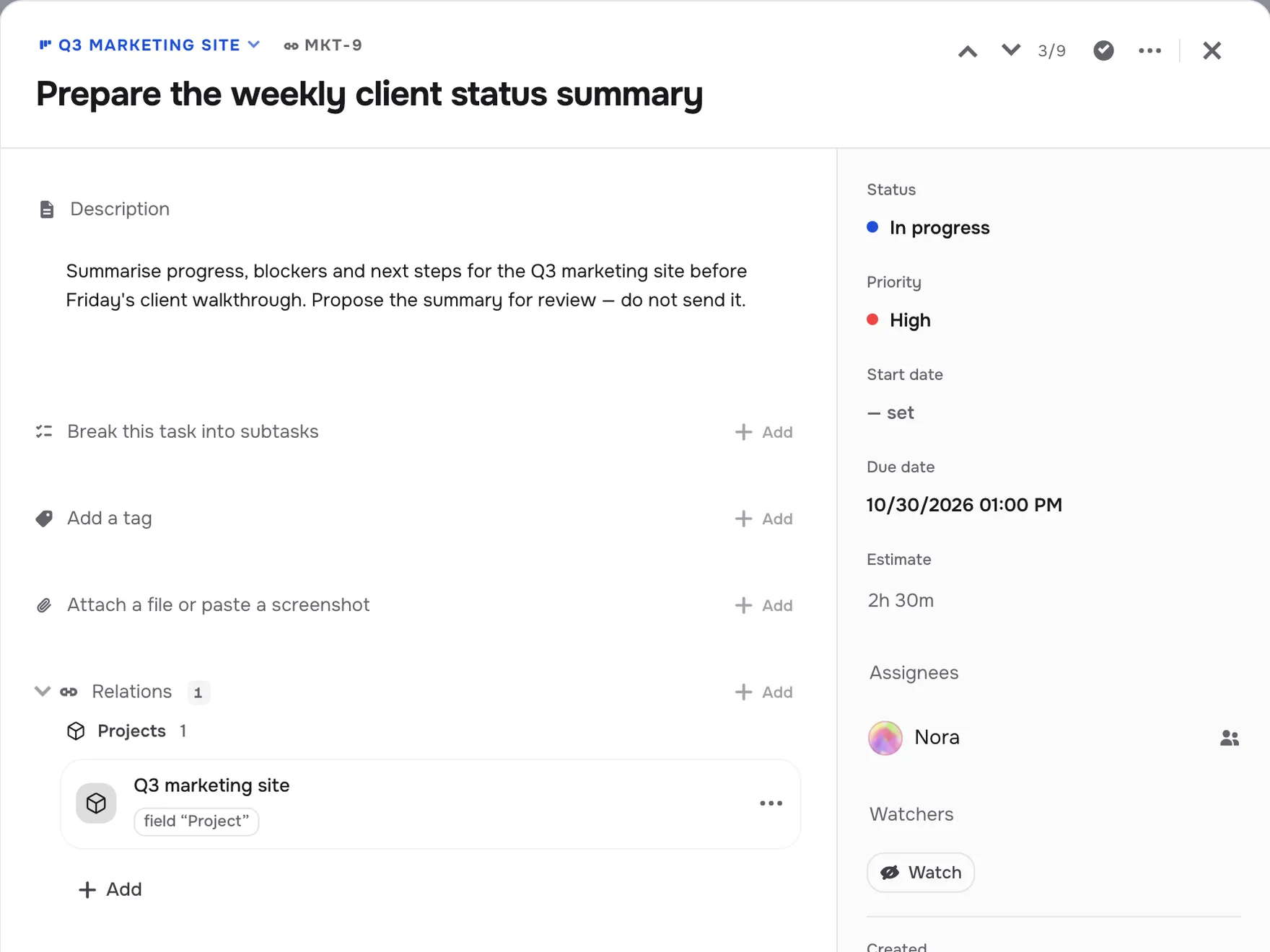
Northwind is already one record: the contact, the thread, the quote and the March deadline. Every hub reads it, and so does the AI. Nobody typed it twice.
Won is a trigger, not a status: the delivery project appears with the March plan, invoice #2031 is drafted for the EU entity, and the AI teammate sends L. Meyer the kickoff.
Same deal, four days later: the project is live, the invoice is out and the report already counts the €18k. Nothing re-entered, nothing waiting on a sync.
AI teammates, automations, every channel, search, dashboards and a phone in your pocket — standard, not add-ons.
The same record travels from the first enquiry to the invoice and the report. Follow it.
Every customer, one record — deals, conversations and files share the same context.Explore CRM →
Start with a 14-day free trial, then choose a plan priced by team size and hubs. Each plan includes Foundation, the hubs you choose and a monthly allowance of AI credits.
€0for 14 days
No card · ready in about 20 seconds
Every plan
Enter one email address and your workspace is ready in about 20 seconds, with no card and no plan to pick. The 14-day trial includes Foundation, Sales (CRM and the shared inbox), Automation and Analytics for 2 users, with 2,000 AI credits and 1 GB of storage, on a shared trial server. Choose a plan at any point to keep going; the workspace then moves to its own dedicated server. If you do not choose one, the workspace becomes read-only when the trial ends, stays available for export for 7 days, and is then deleted.
Yes, from your account. The workspace stays fully usable until the end of the period you have paid for. It is then read-only for 30 days so you can export your data, and deleted after that.
The workspace stays fully usable for 14 days and shows a countdown while you update your payment details. It then becomes read-only for 14 days. After that, access closes, but admins can still export data for 30 days before the workspace is deleted. A successful payment at any point before then restores full access.
Stripe. At checkout your purchase is sold through Link, Stripe’s merchant of record, which handles sales tax and VAT and sends your receipts. Prices are set in euros for Europe and in US dollars elsewhere.
No. Every plan includes Foundation: contacts and companies, dashboard, tasks, team chat, notebook, calendar and booking, forms and e-signatures, and the AI assistant. Starter adds 2 hubs of your choice, Growth 5 and Scale all 8. Change your hubs later from your account, or add an extra hub to Starter or Growth for $29 / €29 a month.
AI features use credits as they work: the assistant, AI teammates, the AI Chatbot and AI steps in workflows. Bigger tasks use more. Your plan’s credits renew every month; unused ones don’t carry over. You can top up any amount from your account; top-ups are valid for 12 months, and bigger top-ups get bonus credits.
A persona is an AI teammate with a role, permissions, tasks, memory and a conversation of its own. Start from a role such as project manager, pipeline manager or analyst, then define its responsibilities and boundaries. Trial mode lets you review proposals before enabling active work.
Nextora can turn supported text instructions into a visual workflow, and natural-language questions into dashboard or report previews. You refine the workflow before activation and choose which report changes to save. AI steps can also draft content, extract data and make decisions inside a workflow.
CRM includes CSV import and export. Bring a sample of your existing data so we can review the records, field mapping and available import paths. Migration scope and timing depend on the data and the modules in your setup.
The Communication example combines Inbox, CRM and Tasks to show the thread, customer context and follow-up work together. Each email or messaging channel needs its own provider or account connection. We will review the channels you use during setup.
Workspaces are hosted in the EU region, and each paid workspace runs on its own dedicated server. Tell us the access controls and security documentation your team needs, and we will review what is available.
CRM supports CSV exports. For other records, files and conversation history, ask us about the export options for your workspace. When a paid subscription ends, admins have 30 days to export before the workspace is deleted.
Still have a question? Email [email protected].
Everything on this page runs on the same records and the same AI. One login, one bill, nothing to integrate. Open it with your team tomorrow.